1
Select the right workspace
Choose the mining client and drill project before any operational information is shown.
DrillOps connects drill contractors, mining clients and project managers through one client-and-project workspace. Field data is captured once, reviewed quickly and carried into the broader project dashboard.
Choose the mining client and drill project before any operational information is shown.
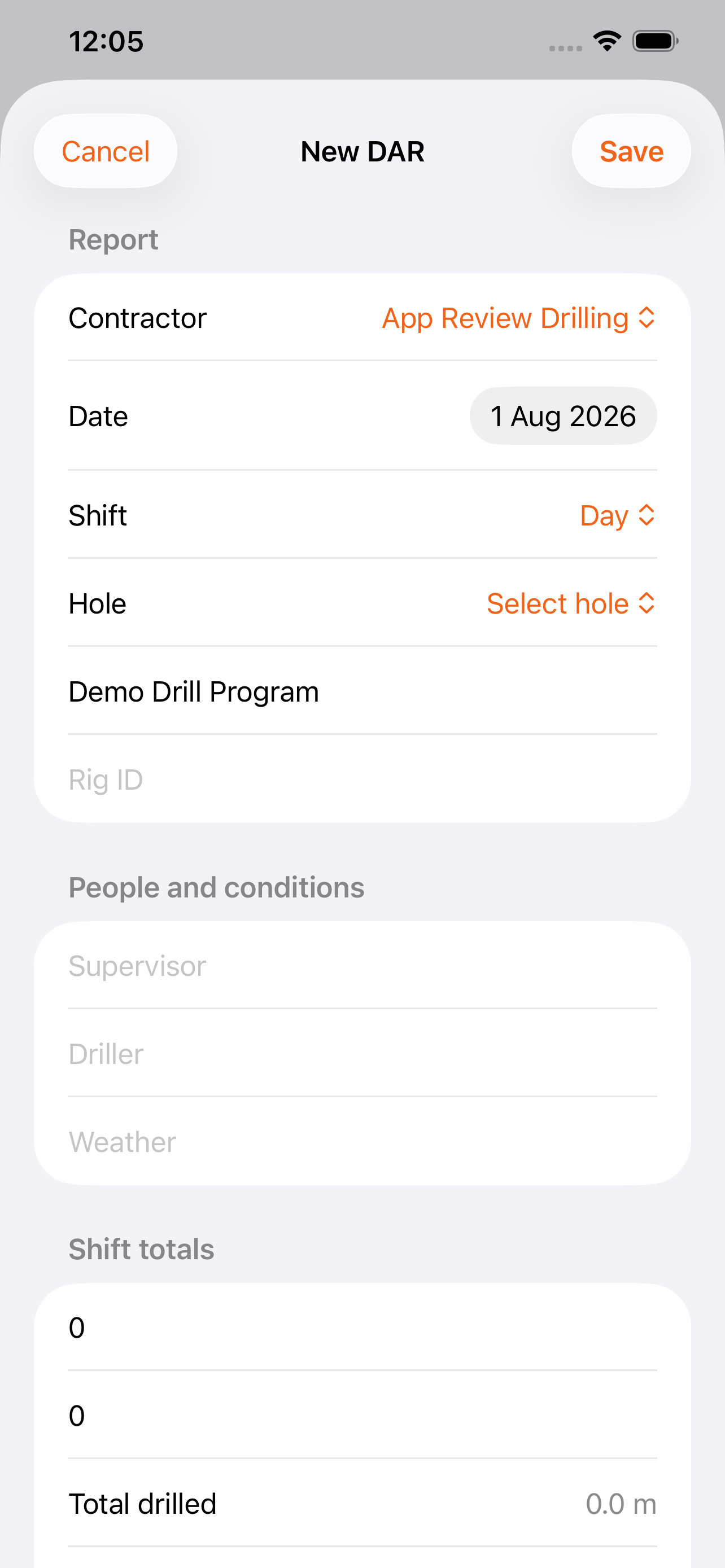
Contractor crews record the shift, drilling activity, people, conditions and metres from iPhone or iPad.
Clients receive the submission, approve, query or reject it, and the result flows into project reporting.
The browser-based portal gives project teams the broader operating picture, with controlled workspaces for each client and project.
Night shift · 68.4 m · submitted by contractor
Review the project dashboard and complete detailed DARs in a layout designed for supervisors and project teams.
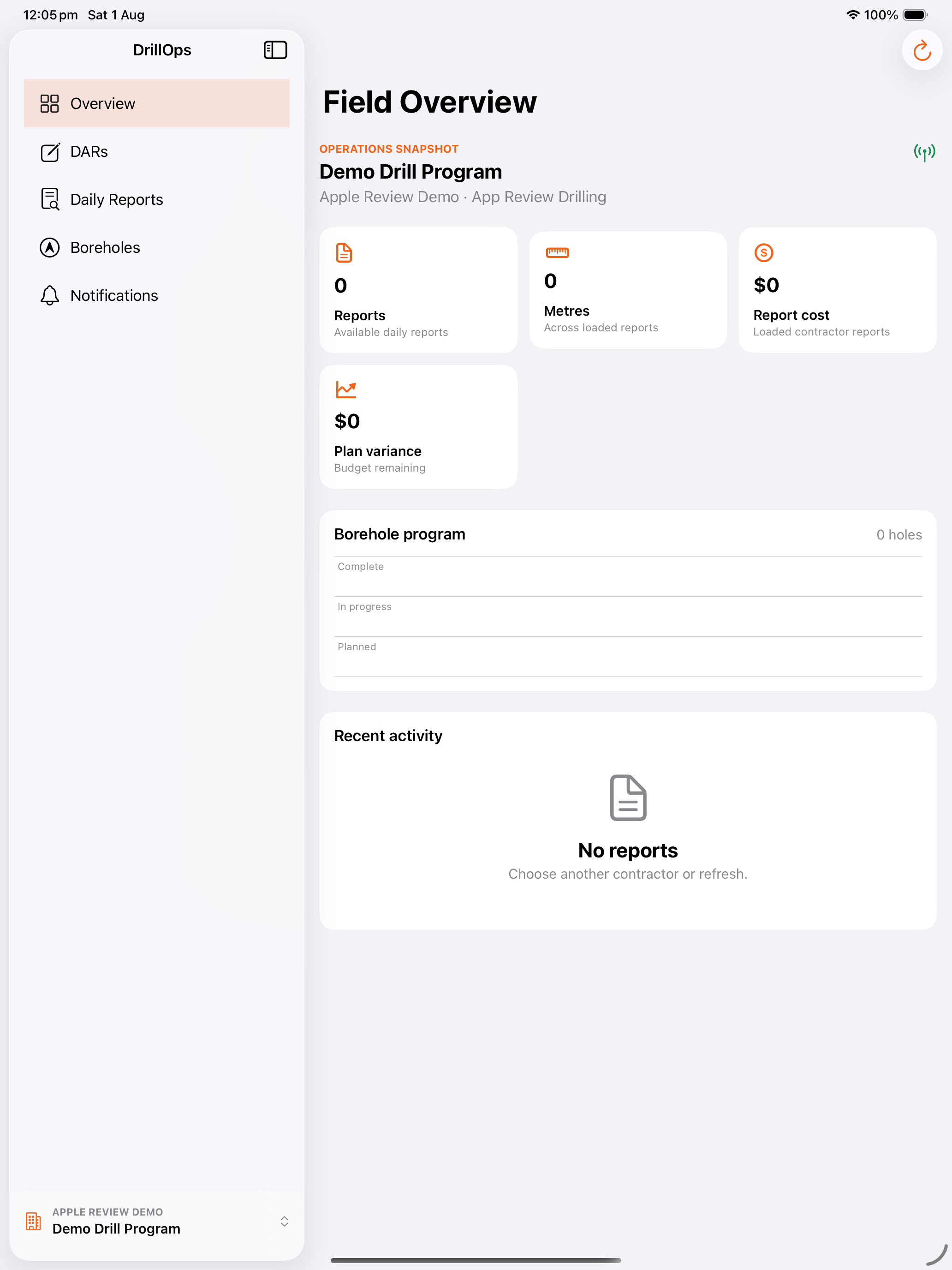
Create DARs, monitor notifications and keep the client approval workflow moving from anywhere on site.
Scan the QR code or open the App Store link on your Apple device. App download availability begins after Apple completes its review.
Open on the App Store Scan to download
Bring mining clients, drill contractors and project managers together—from the first field entry to approval, cost control and reporting.
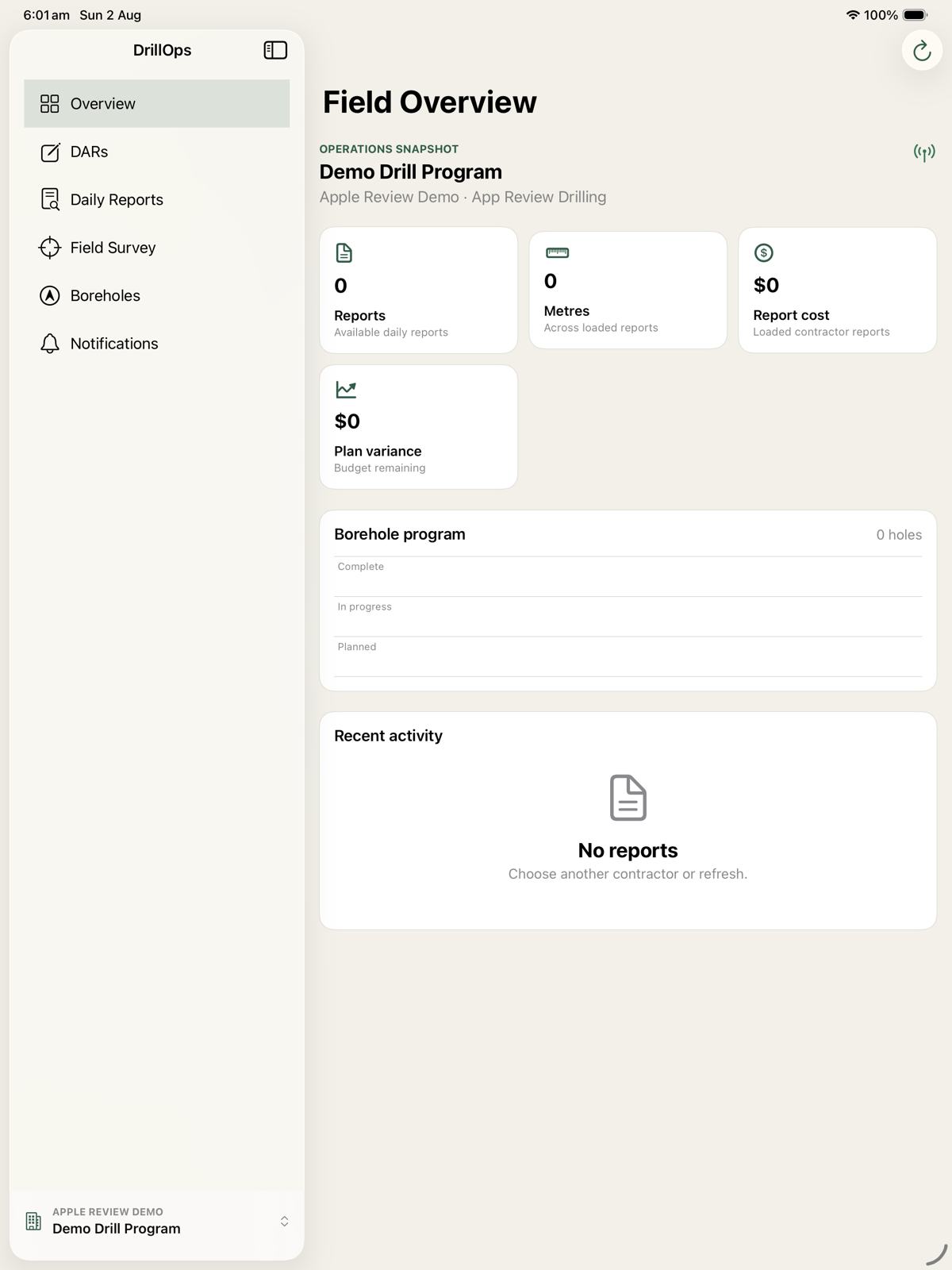
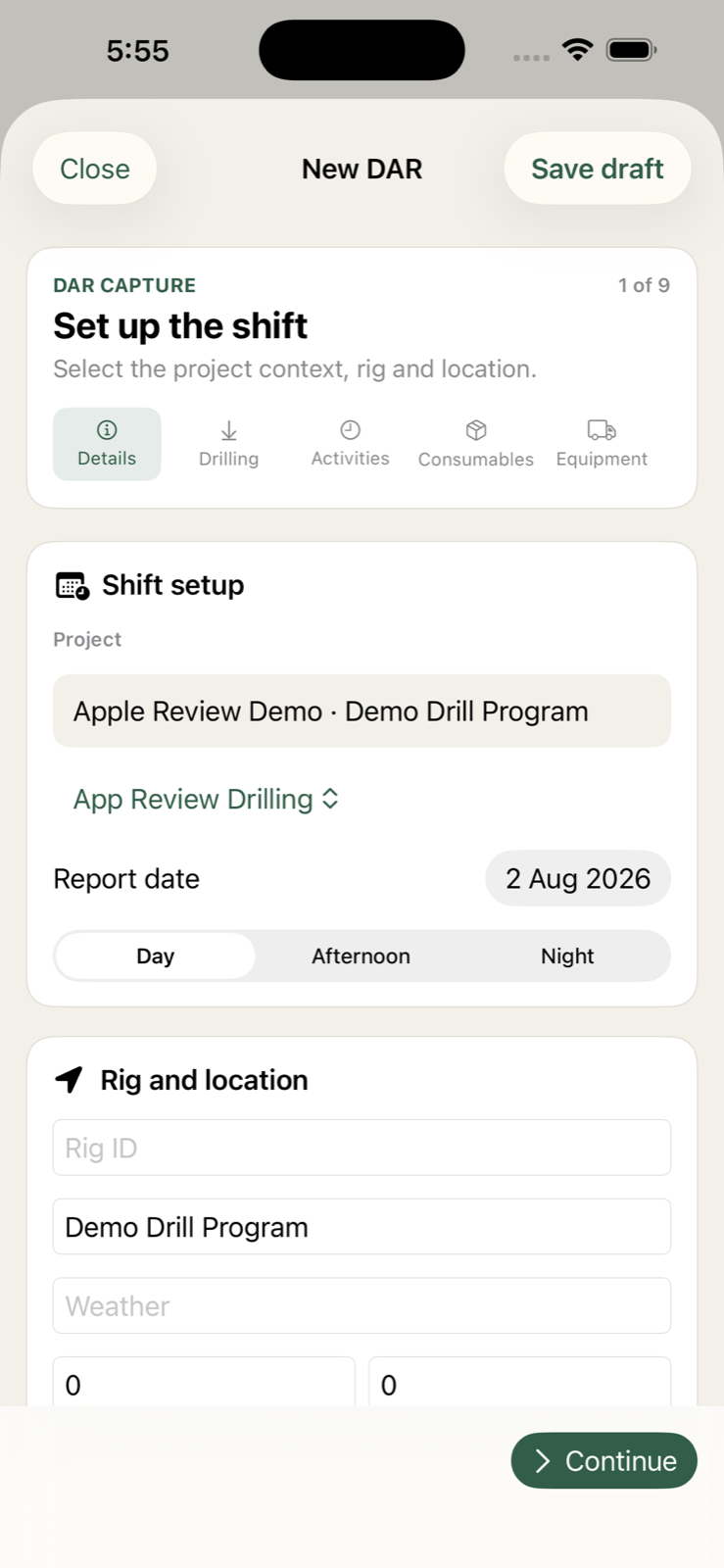
The operational tools your teams need to deliver better drilling programs—without passing spreadsheets, PDFs and approval emails back and forth.
Capture shift activity, metres, delays, crew and conditions at the source.
Give client and project teams live visibility without exposing unrelated projects.
Submit, query, reject and approve daily reports with a complete audit trail.
Turn approved field data into operational dashboards and management reporting.
Plan and monitor the drilling program alongside its live operational results.
Connect reports, schedules of rates, purchase orders and invoice reconciliation.
Start with the client and project, then manage the entire drilling picture from a secure browser workspace.
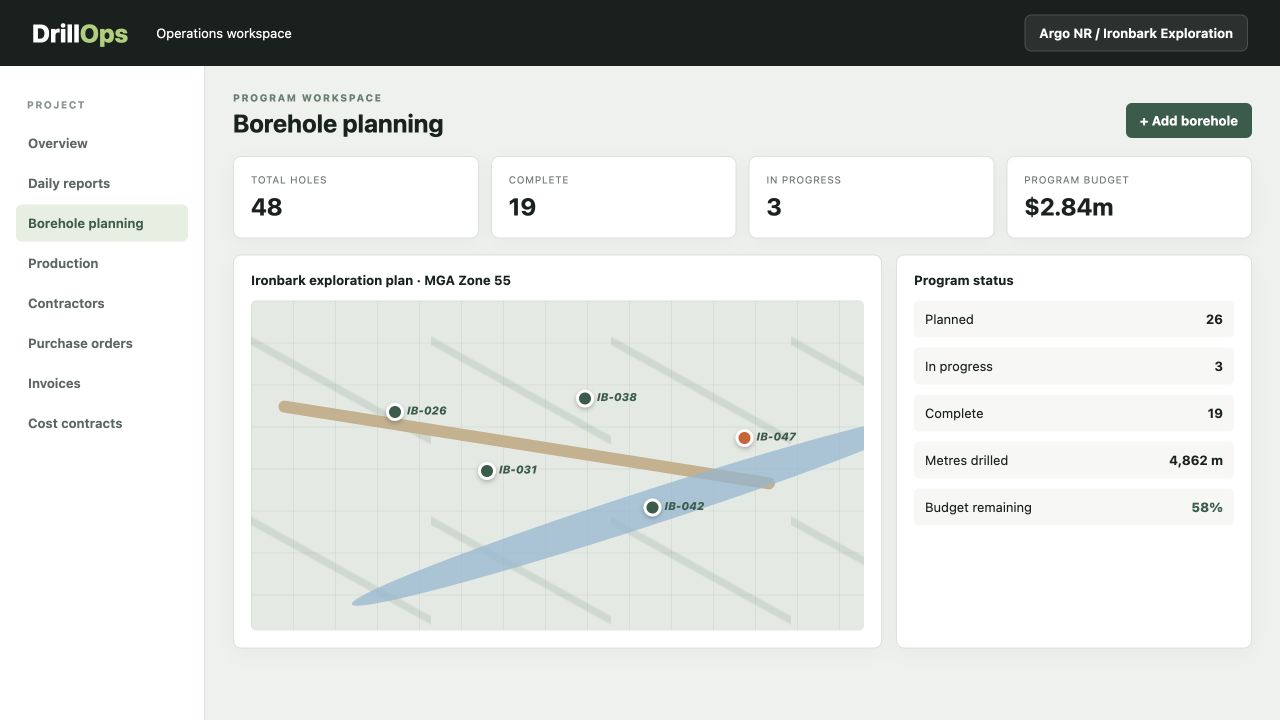
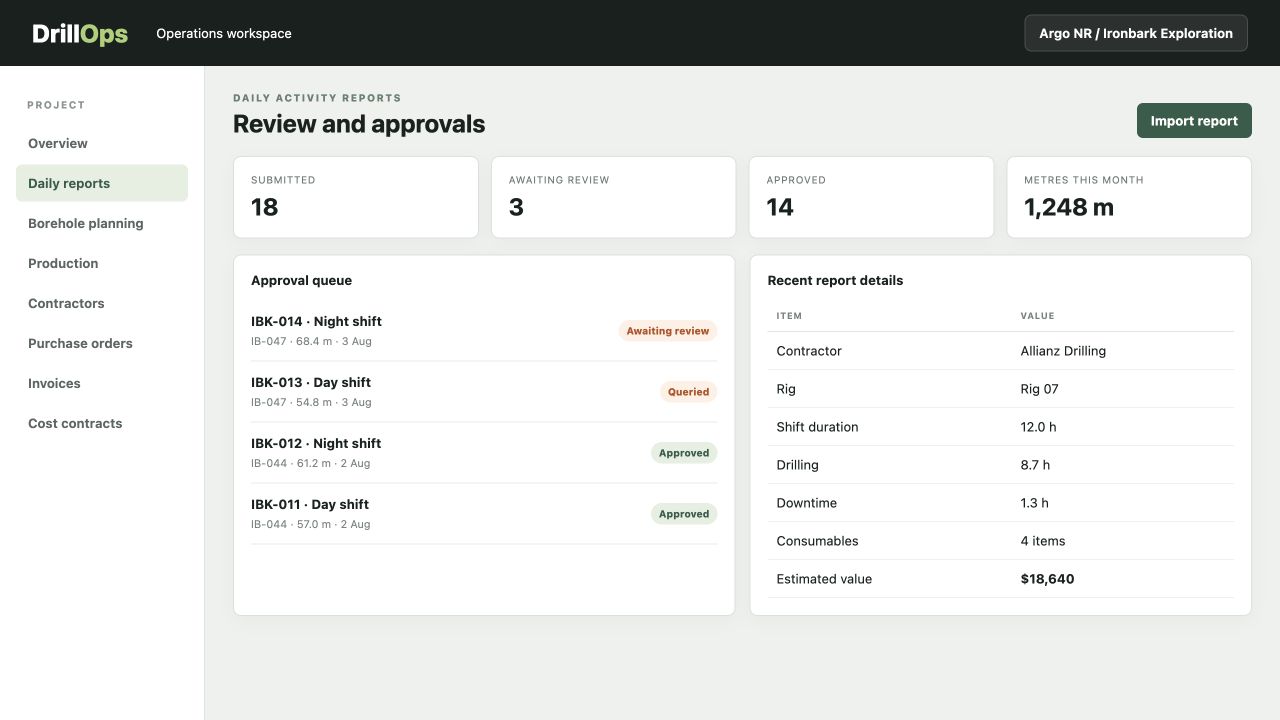
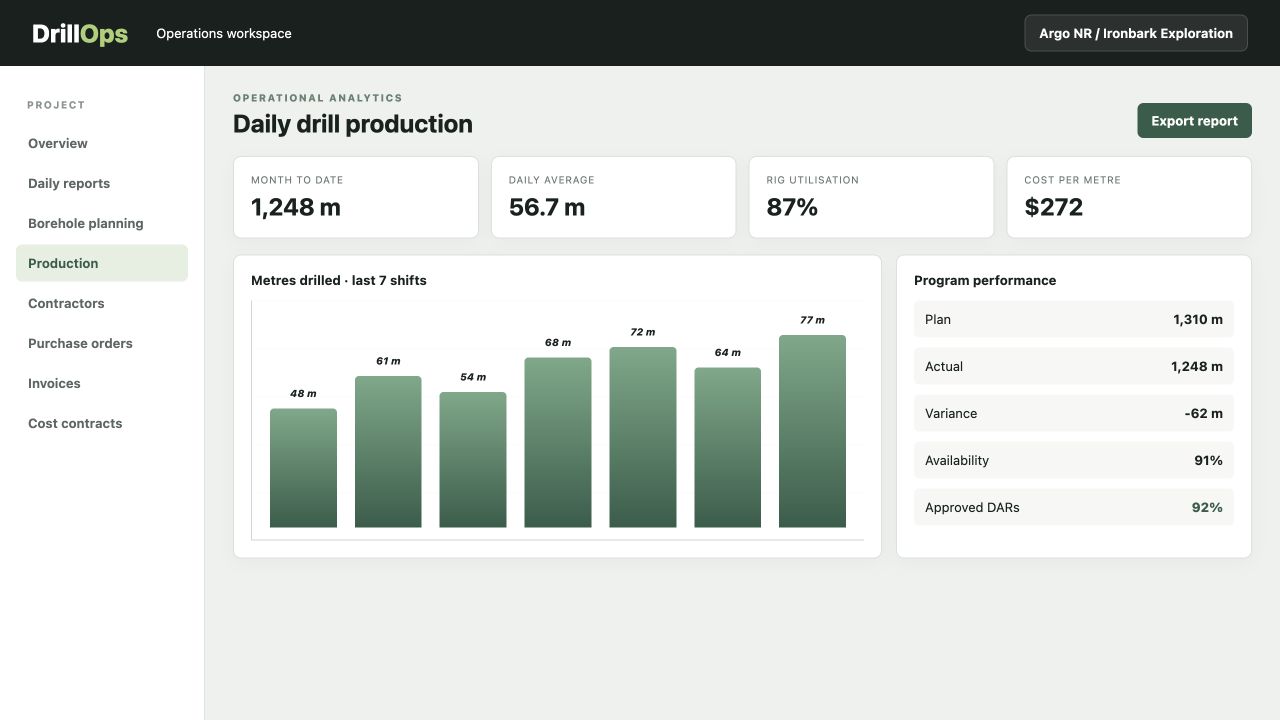
Every person works in the same client-and-project context, while permissions keep each responsibility clear.
No operational data is shown until the correct workspace is selected.
The contractor records the shift and submits the DAR from iPhone, iPad or web.
The client approves, queries or rejects the report with in-app and email notifications.
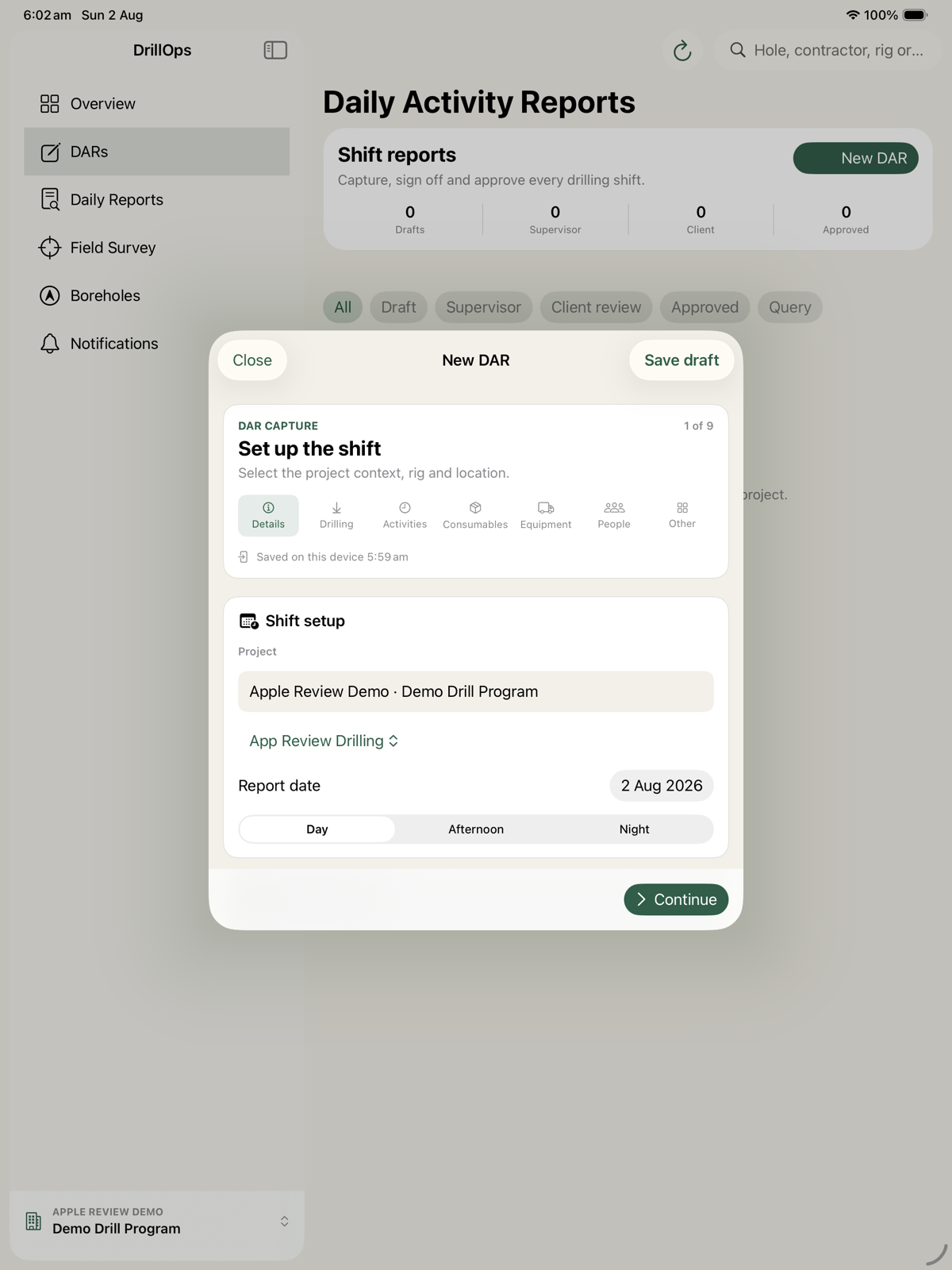
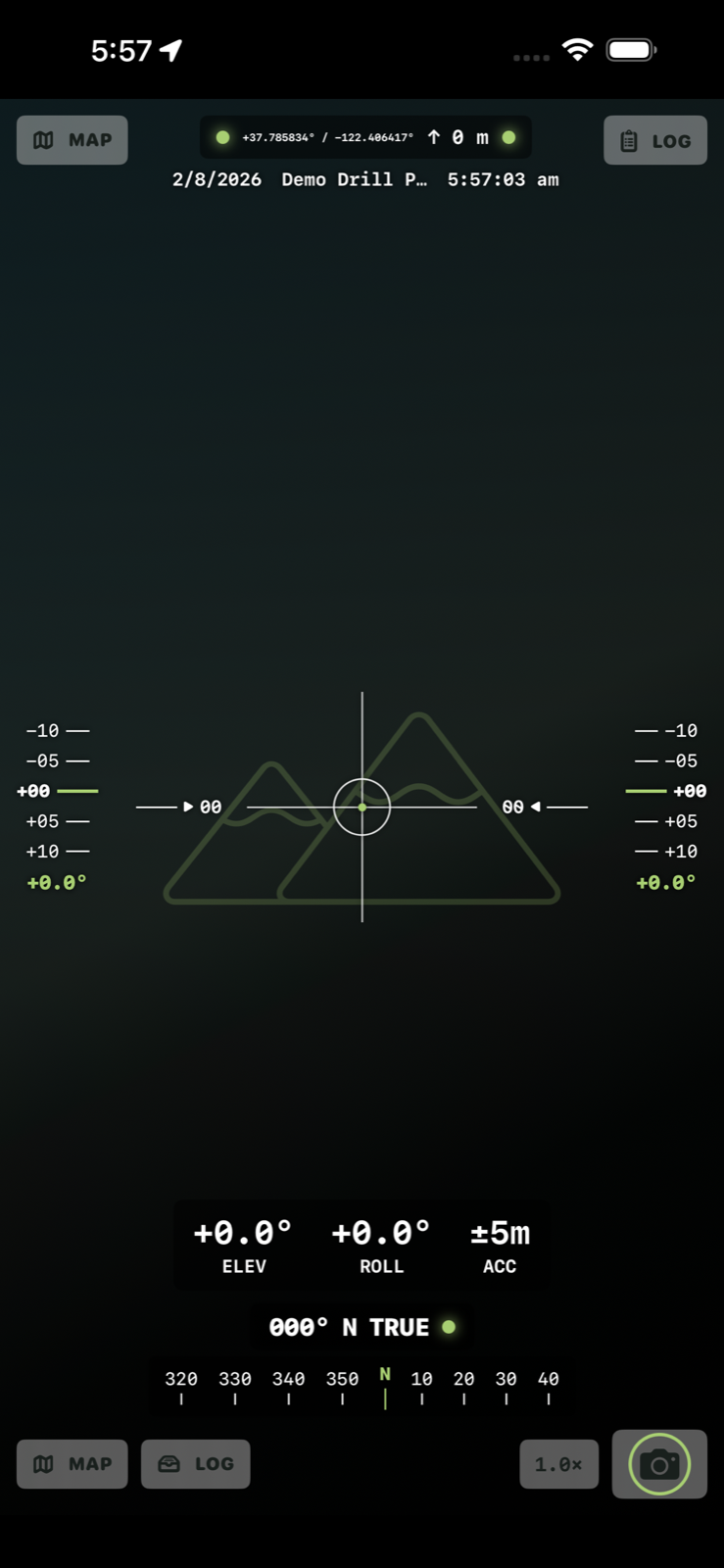
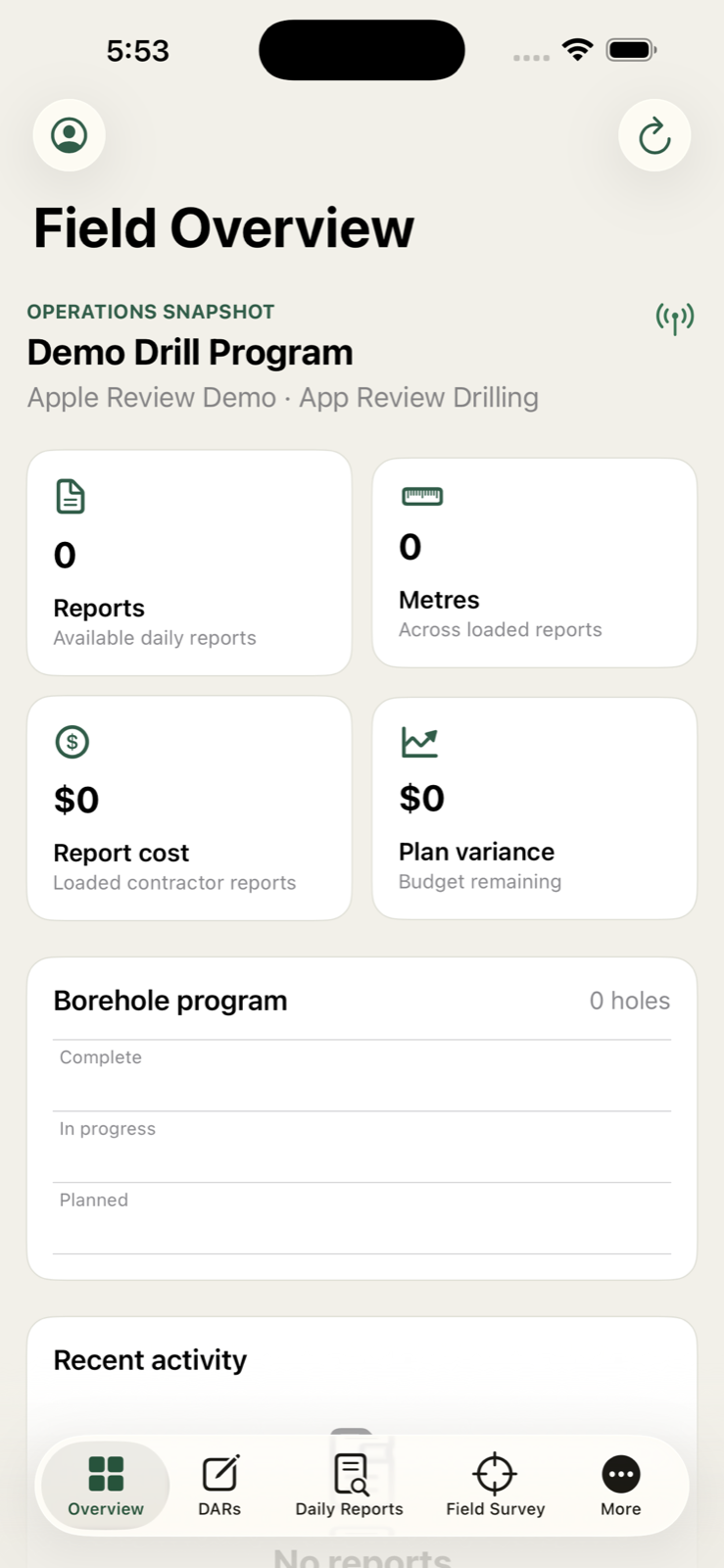
Give supervisors and crews a purpose-built mobile experience while project teams keep the broader view.
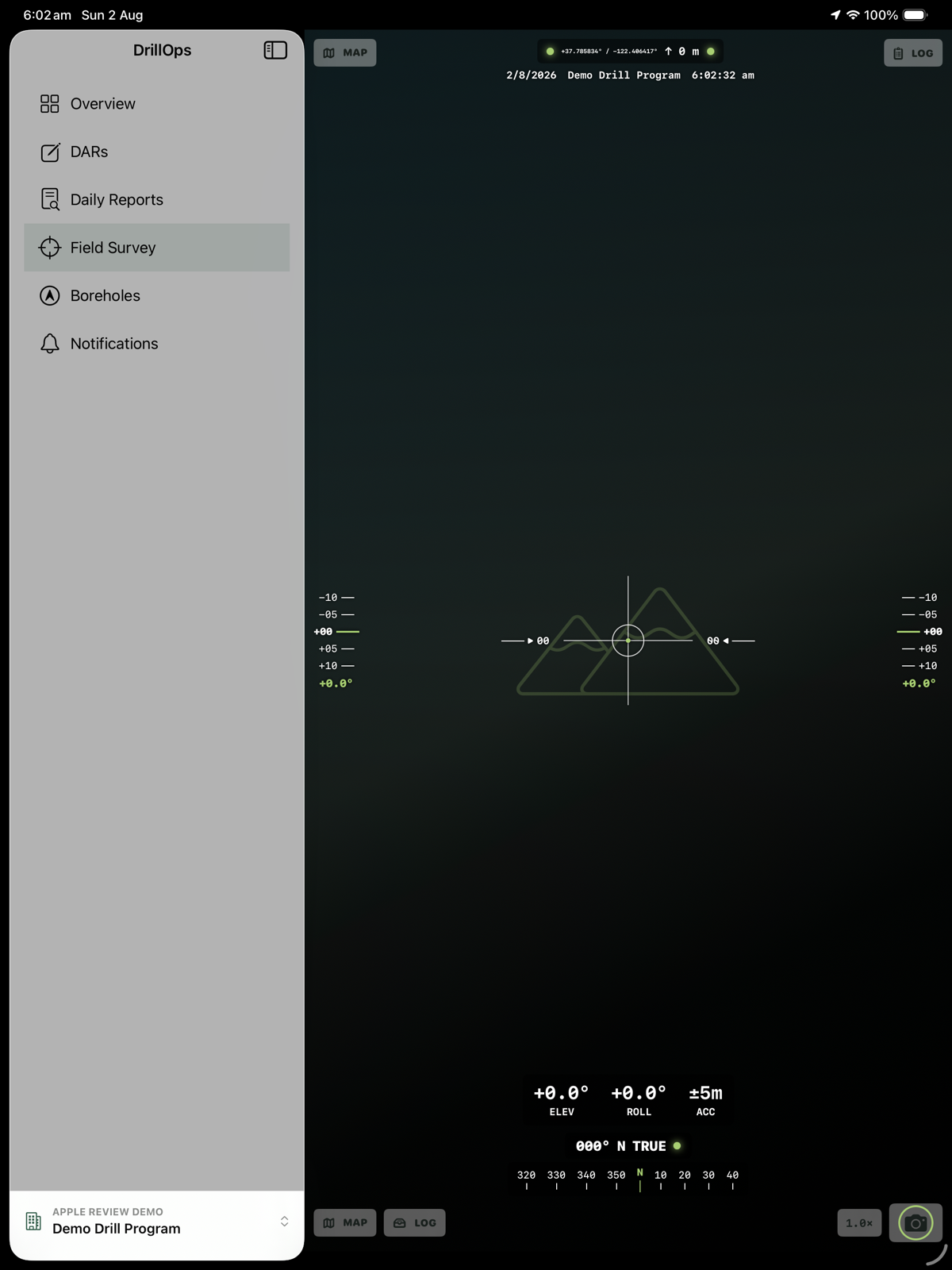
Scan the QR code or open the App Store listing on your Apple device. Download availability begins after Apple completes its review.
Open on the App StoreScan to download
Sign in with the account issued by your DrillOps organisation. Client and project access is controlled by role.
Access your DrillOps web portal
Use at least eight characters for your new DrillOps password.
Drilling report PDFs, Weatherford GDB logging PDFs, CorePlan plod CSV exports, and MCC weekly sheets.
Drop operational PDFs / CSVs / XLSX sheets or click
Scanned handwritten logs (DEPCO etc). Uses OpenAI vision to read handwriting.
Drop handwritten PDFs
Contractor invoice PDFs. Stored for viewing and reconciliation.
Drop Invoice PDFs or click
Use Users & Change Log to invite staff, assign project access, deactivate accounts, and review responsibility for changes.
Your access token refreshes automatically and is cleared when you sign out.
Removes records for the active contractor only. Other contractors are unaffected.
Invite accounts, grant project roles, and see who imported or changed operational data.
| User | Account type | Project access | Status | Last sign-in | |
|---|---|---|---|---|---|
| Open this page to load users. | |||||
One row per file or import batch, including its owner and the records created.
| Imported | By | File | Type | Workspace | Rows |
|---|---|---|---|---|---|
| No import history loaded. | |||||
Edits and deletions include field-level before/after values.
| Changed | By | Action | Item | What changed |
|---|---|---|---|---|
| No changes loaded. | ||||
| Client | Project | Status | Program | Rate source | Year |
|---|
| Program | Project | Section | Contractor | Category | Budget | Allocation | Notes | |
|---|---|---|---|---|---|---|---|---|
Open Budget to load the selected project. | ||||||||
| Contractor | Schedule | Drilling | Time activities | Consumables | Linked contracts | |
|---|---|---|---|---|---|---|
| Loading rate library... | ||||||
| Contract name | Status | Contractor | Start date | End date | Project | Rate lines |
|---|
| Hole | Date | Shift | Plod | Rig | Drill type | Depth from (m) | Depth to (m) | Total (m) |
|---|

| Hole ID | Purpose | Planned m | Actual m | Drill Budget | Drilling $ | Total EOS | $/m | Penetration | Drill Variance | Method | Start | End | Status |
|---|
| Plod | Status | Lock | Plod date | Shift | Rig | Hole | Project | Driller | Depth (m) | Duration (h) | Total Cost | Notes |
|---|
| Date | Hole # | Work Group | Site ID | Time From | Time To | Duration | Bit Type | Ø | From m | To m | Metres | Code | Notes | Unit Rate | Qty | Line Cost | Rate Basis | Source |
|---|
| Date | Hole # | Site | Consumable | Type | Qty | Unit | Unit Price | Line Cost |
|---|
| Date | Hole # | Site | Role | Name | Hours |
|---|
Editable cost register. Manual line edits save immediately and refresh the summaries below.
| Hole # | Total Cost | Drilling $ | Non-Drilling $ | Metres | $/m | Activities |
|---|
| Date | Hole # | Daily Cost | Metres |
|---|
| Date | Hole | Code | Notes | Metres | Rate Basis | Unit Rate | Qty | Line Cost |
|---|
| PO Number | Project | Description | Issue Date | Expiry Date | PO Value | Spent | Remaining | % Used | Status | Notes |
|---|
Reusable contractor/year schedules. Project-specific commercial rates are managed under Cost Contracts.
| Year | Bit Type | Depth From | Depth To | Rate ($/m) |
|---|
| Year | Code | Description | Rate ($) | Unit |
|---|
| Year | Product | Description | Unit Price ($) | Unit |
|---|
Click any cell to edit. Changes save automatically.
| Invoice # | Contractor | Project | Invoice Date | Invoice Month | PO Number | Subtotal | GST | Total AUD | Amount Paid | Amount Due | Status | Query Notes | Version | Actions |
|---|
| Service period | Code | Invoice qty | Weekly qty | Unit | Invoice rate | Contract rate | Invoice ex GST | Contract supported | Difference | Status | Evidence / error |
|---|---|---|---|---|---|---|---|---|---|---|---|
| Select an invoice breakdown to inspect matched and unmatched task lines. | |||||||||||
| # | Project | Year | Site ID | Hole ID | Type | Bit | Purpose | Easting | Northing | RL | Chip Depth | EOH Depth | Total Core | Seam Tk | Days | Status | Total Budget $ | Drilling Budget $ | Drilling Spend $ | Total EOS $ | Drilling Variance | Notes |
|---|